
Introduction
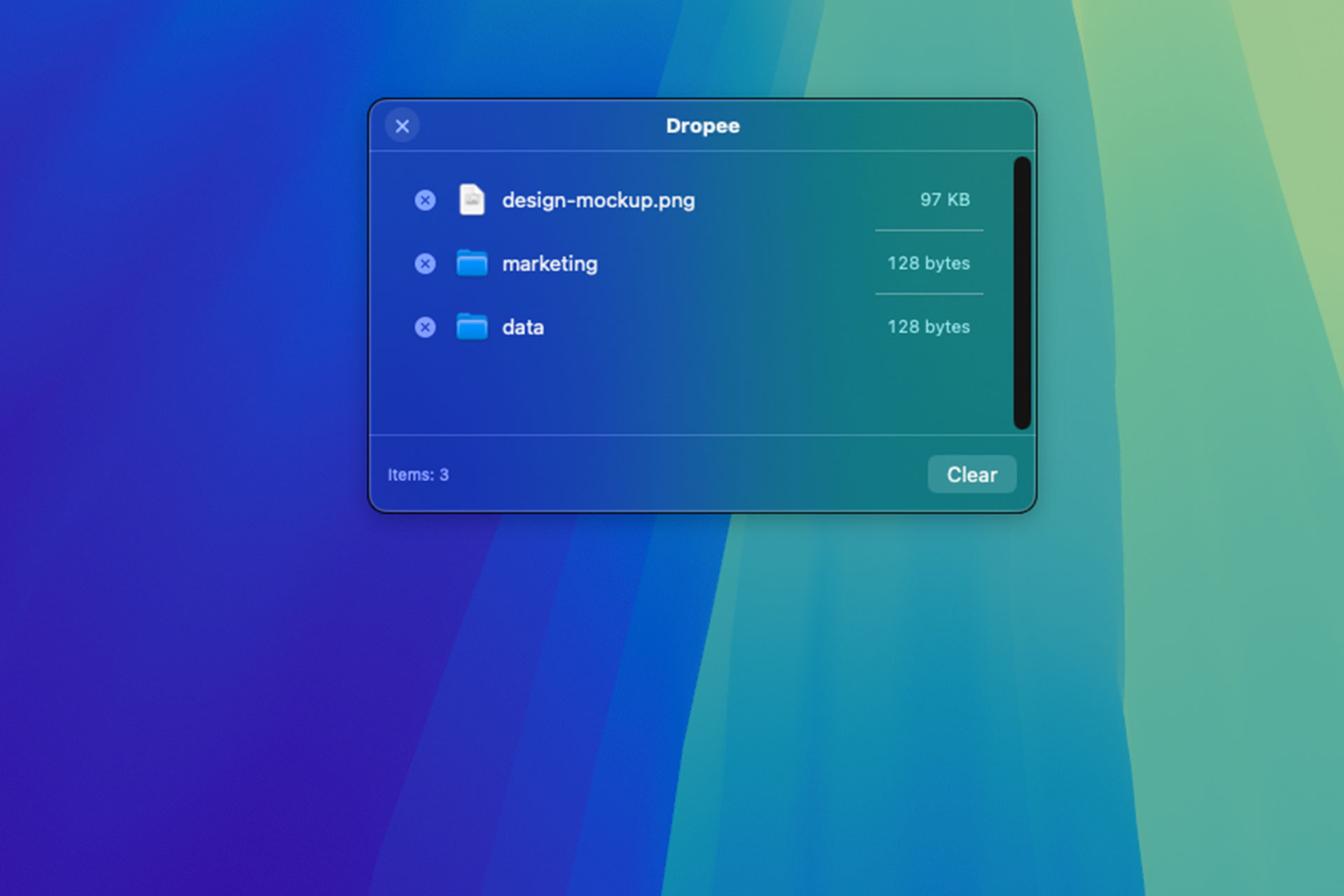
Dropee is a lightweight macOS app that gives you a temporary shelf for your files. Whenever you drag something, the shelf appears and lets you drop it there. Keep dragging more files from different folders and stack them up, then decide what to do with everything in one go. No more switching between Finder windows or losing track of what you were moving. Designed to feel like a natural extension of macOS, Dropee stays out of your way until you need it. It is fast, unobtrusive, and built for those moments when you are gathering assets, reorganizing projects, or just moving things around and want to keep everything in sight before making a decision.
How It Works
Start dragging any file or folder. Dropee detects the drag and opens a floating shelf right where your cursor is. Drop it in, and the shelf stays visible with everything you have collected so far. You can keep dragging more items from anywhere on your Mac, and they will all appear on the same shelf. When you are ready, choose your action. Move everything to a target folder, copy the files somewhere else, or share them directly via AirDrop, Messages, Mail, or any other sharing extension available on your Mac. The shelf clears after the action, and you are back to what you were doing.
Key Features
Dropee is built around a simple idea: make file operations faster without changing how you work. Every feature is designed to reduce friction and keep you in flow. Move and copy files across your Mac without opening multiple Finder windows. Share directly through the native macOS share sheet. The shelf auto-dismisses when not in use and reappears instantly when you start dragging again. Dropee runs natively on Apple Silicon, respecting your privacy with no data collection and no internet connection required.
If you are interested in another KOBY Studio project, check out Sharoo, a macOS app that lets you share files using your own server.
Love Shape
Previous project
Coin Meteor App
Next project