
Introduction
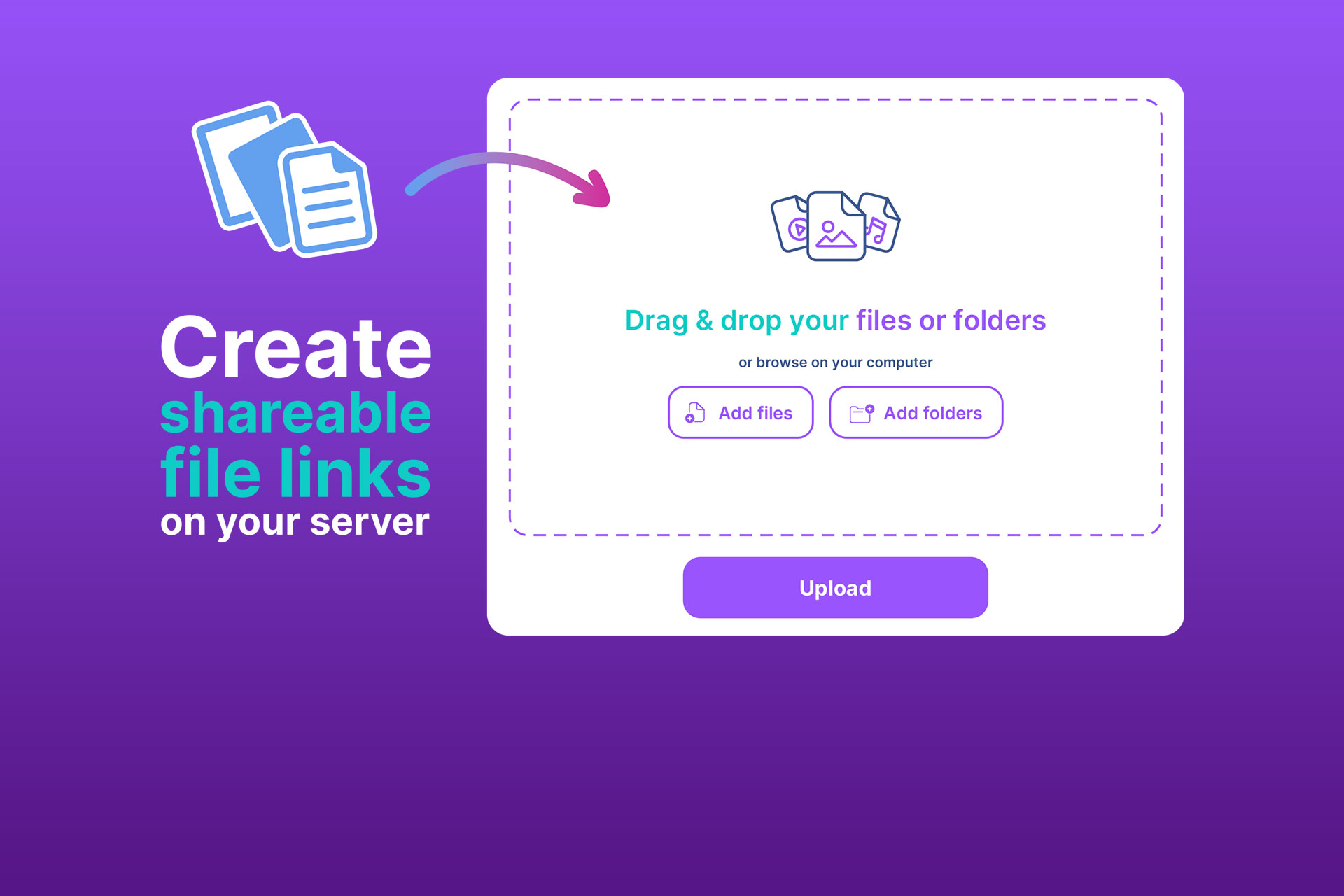
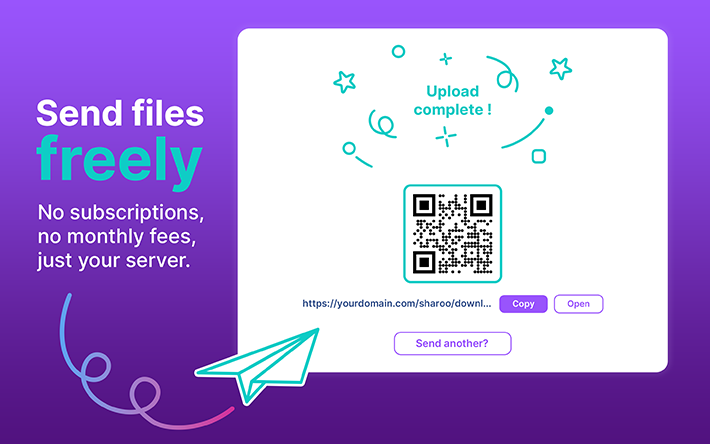
Sharoo is a macOS app that lets you share files using your own server. No subscriptions, no third-party services, no limits beyond what your hosting plan provides. You drag and drop your files, Sharoo uploads them securely via SFTP, and you get a custom link with a QR code ready to share with anyone. Your clients can access and download files instantly without creating an account. You stay in control with detailed download tracking for every single file, password protection, expiration dates, and download count limits. All data stays between your Mac and your server, with no middlemen and no data collection.
How It Works
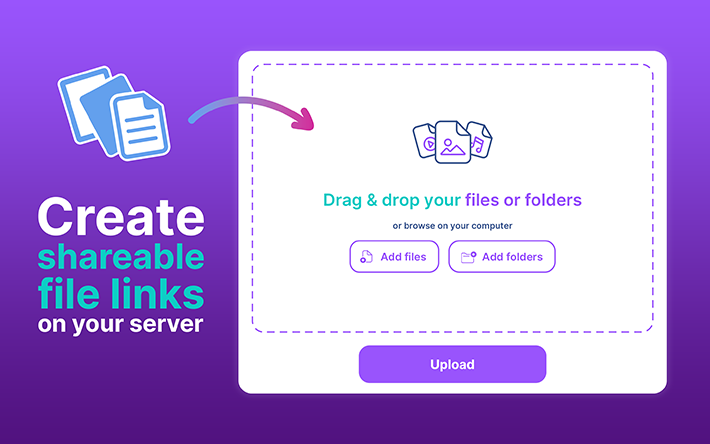
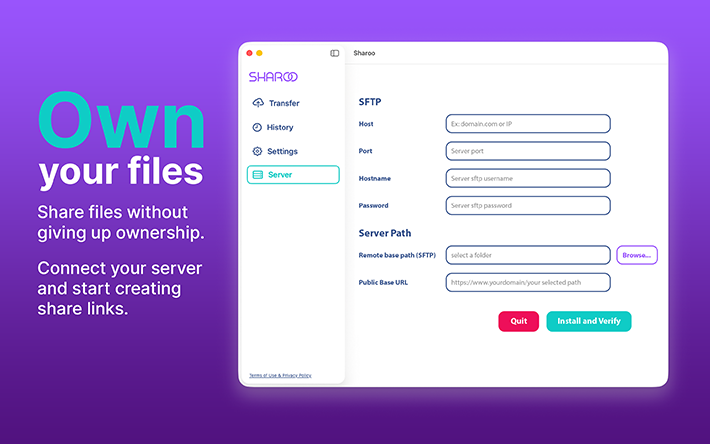
First, configure your server once. Enter your server address, credentials, and port, then pick the folder that will host your transfers. Sharoo installs a lightweight server kit made of PHP scripts, .htaccess files, and JSON files. No database required. Drag and drop your files into Sharoo. They are uploaded securely via SFTP, and the app generates a custom link along with a QR code. Send the link to your client by email, chat, or any communication tool. Your client opens a secure HTTPS page showing all the files and can download them individually or as a single ZIP. Back in the app, the History page shows every completed transfer with full details: link, QR code, date, size, and per-file download statistics. You can see exactly which files were accessed and when, and delete transfers when they are no longer needed.
Privacy and Security
Sharoo runs entirely locally on your Mac. It connects only to the server you configure, with no other connections, no analytics, and no data collection of any kind. Your server credentials are stored securely in the Apple Keychain. The only data leaving your Mac is the files you deliberately upload to your own server. Transfers can be password-protected, and you control exactly how long each link stays active with custom expiration dates up to 30 days and optional download count limits.
Server Requirements
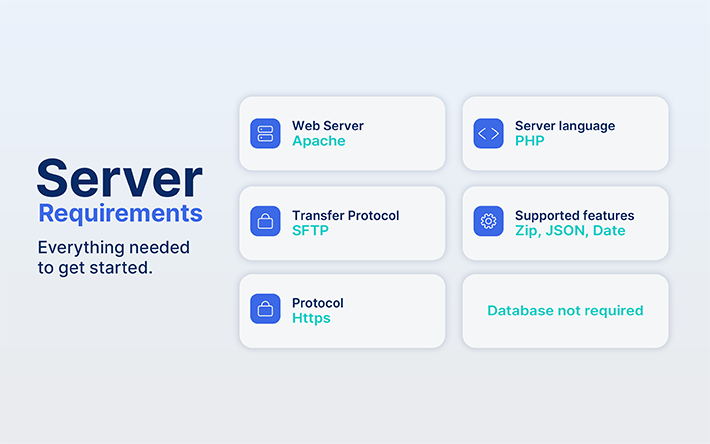
To use Sharoo, your server needs to run Apache with PHP installed. It supports transfers via SFTP and requires HTTPS for secure client access. The server kit also relies on Zip, JSON, and Date support, but no database is required.
If you want to follow the project's progress and stay updated, you can visit
Sharoo Official Site
Download Sharoo on the Mac App Store.

If you are interested in another KOBY Studio project, check out Dropee, a lightweight macOS shelf app for drag-and-drop file organization.
Love Shape
Previous project
Coin Meteor App
Next project